Event scheduling & operations
Run smoother events with less chaos
Set it up once, manage it easily, check guests in fast.
Schedule any type of event – one-time, recurring, or private – manage everything in one calendar, and keep your team aligned without constant check-ins.

Flexible scheduling
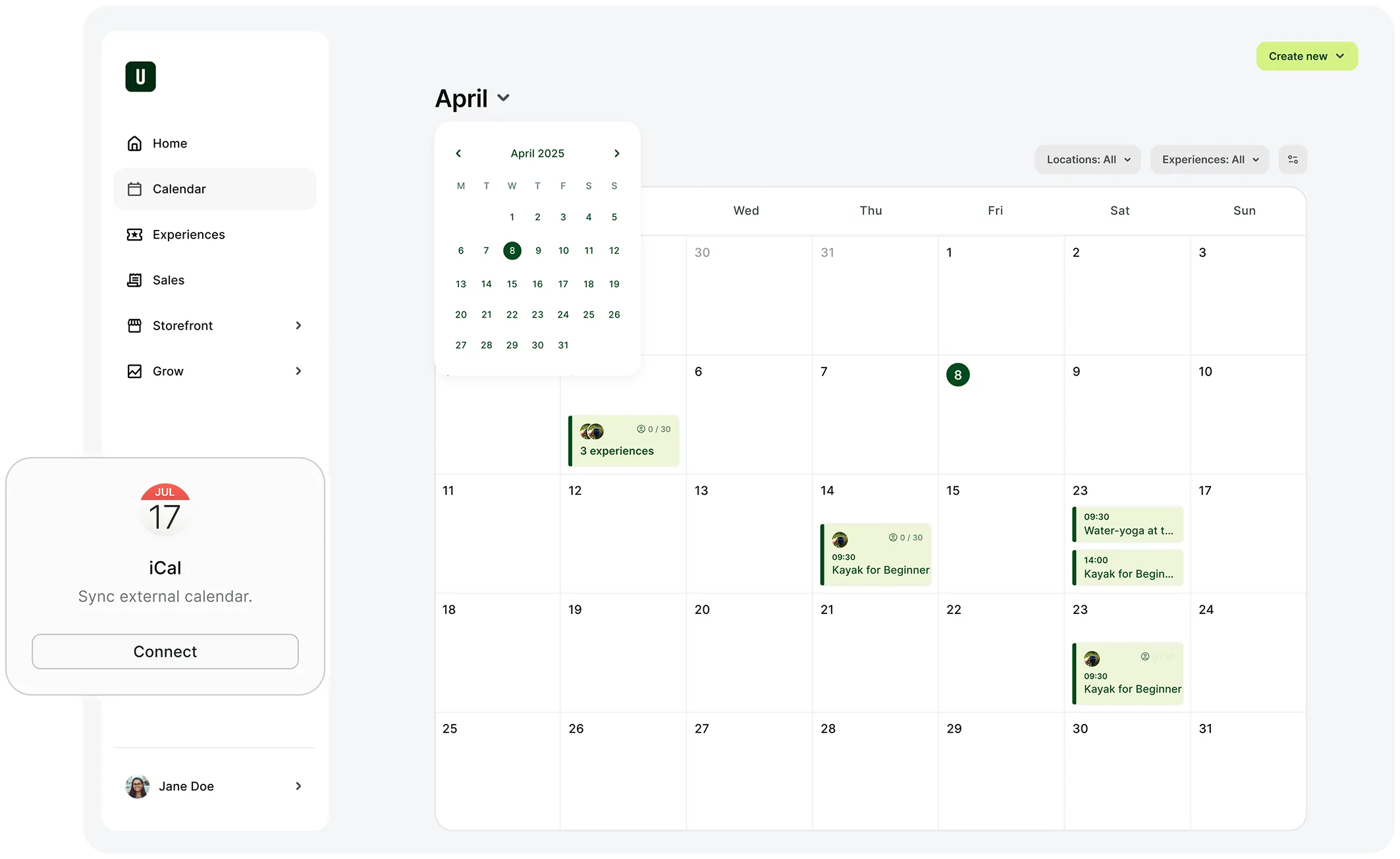
Schedule events effortlessly
Setting up the same cooking class every Tuesday morning? Creating a one-off holiday special? Do it all without repetitive tasks or endless email chains. Set it up once and let it run, or customise each event exactly how you need it.
Unified calendar
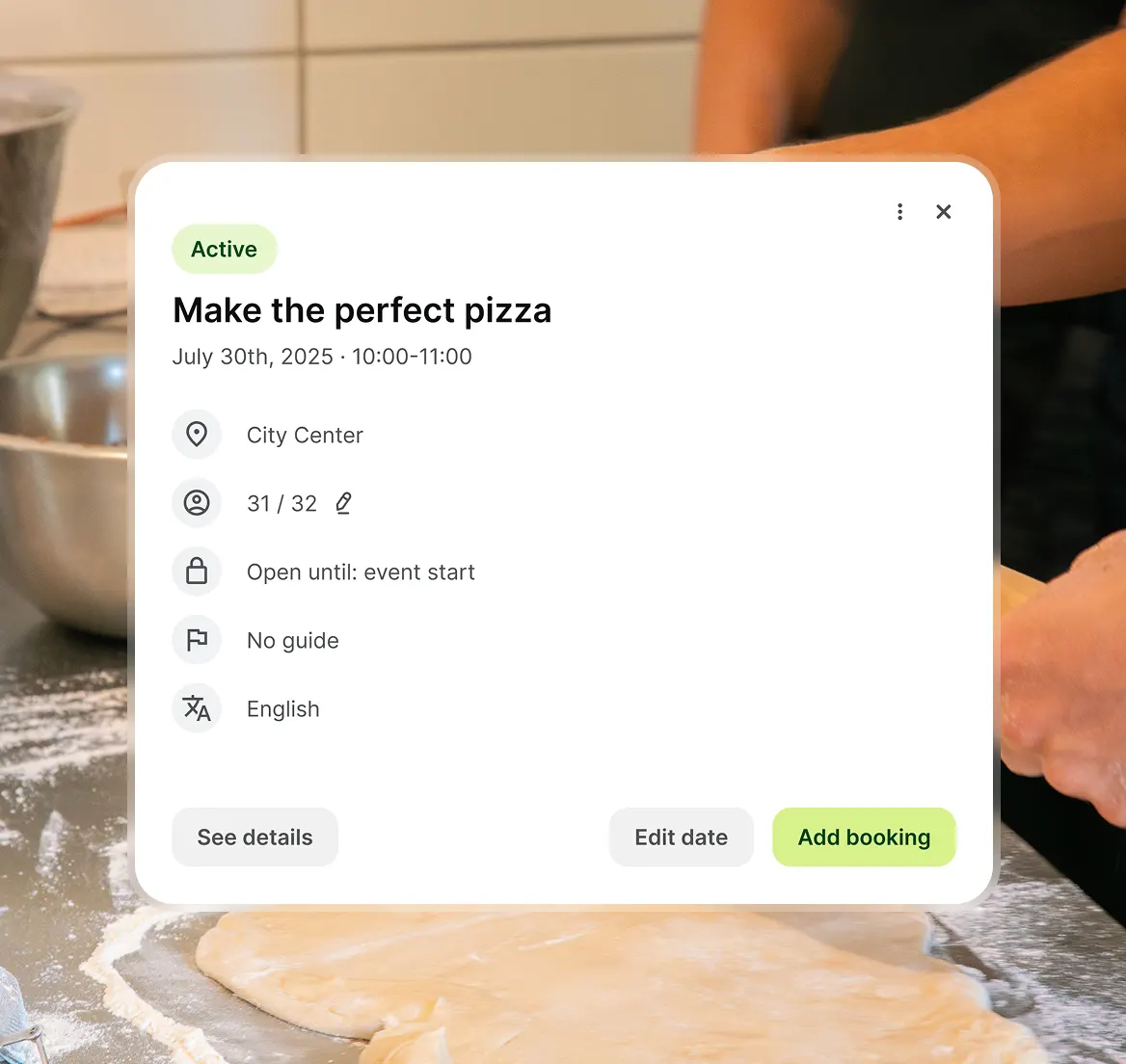
One calendar to manage every event
Running tours in three cities? Offering experiences in multiple languages? See everything in one place. Filter by location, language, booking status, guide, or categories to find what you need fast.
Team permissions
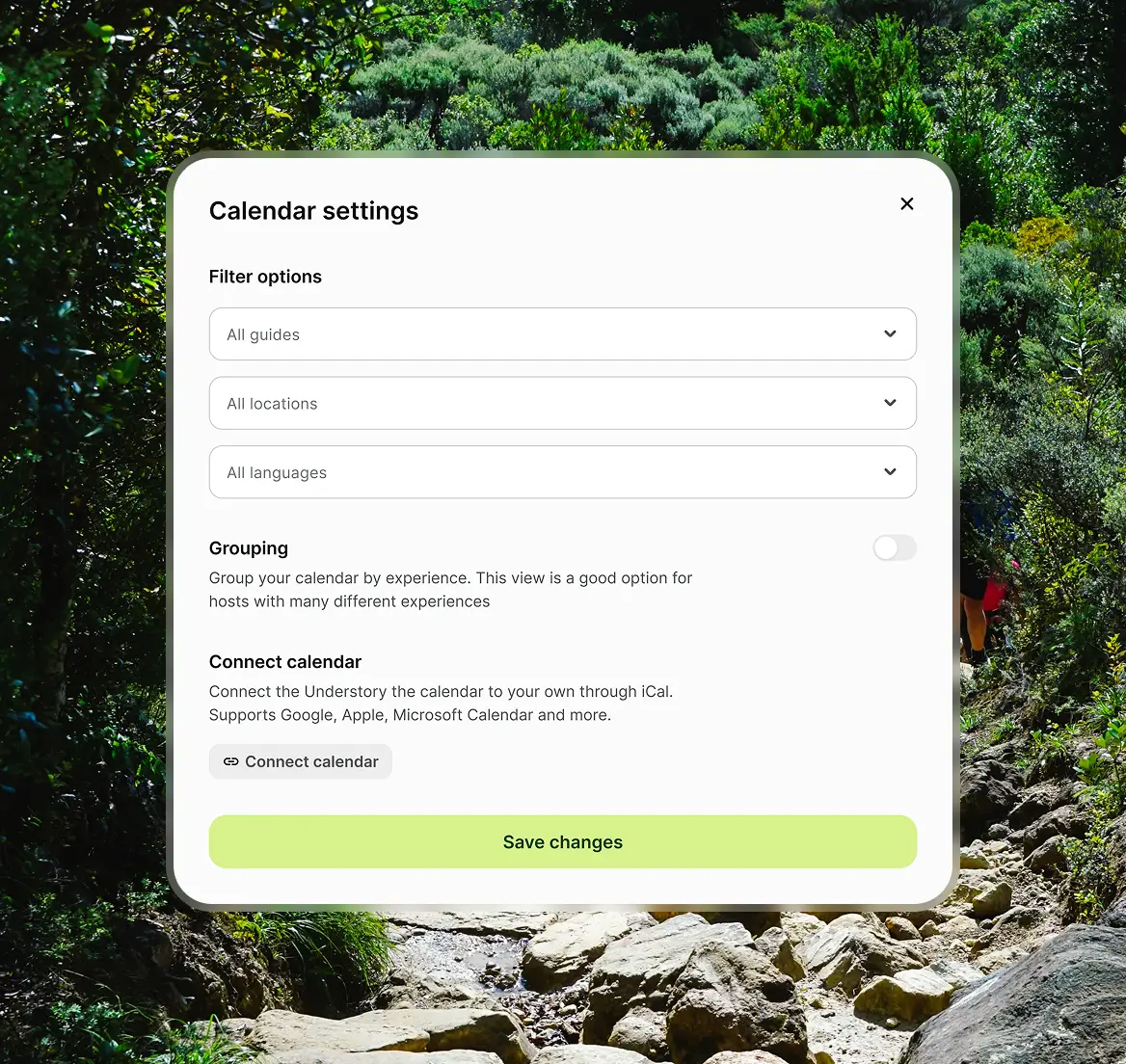
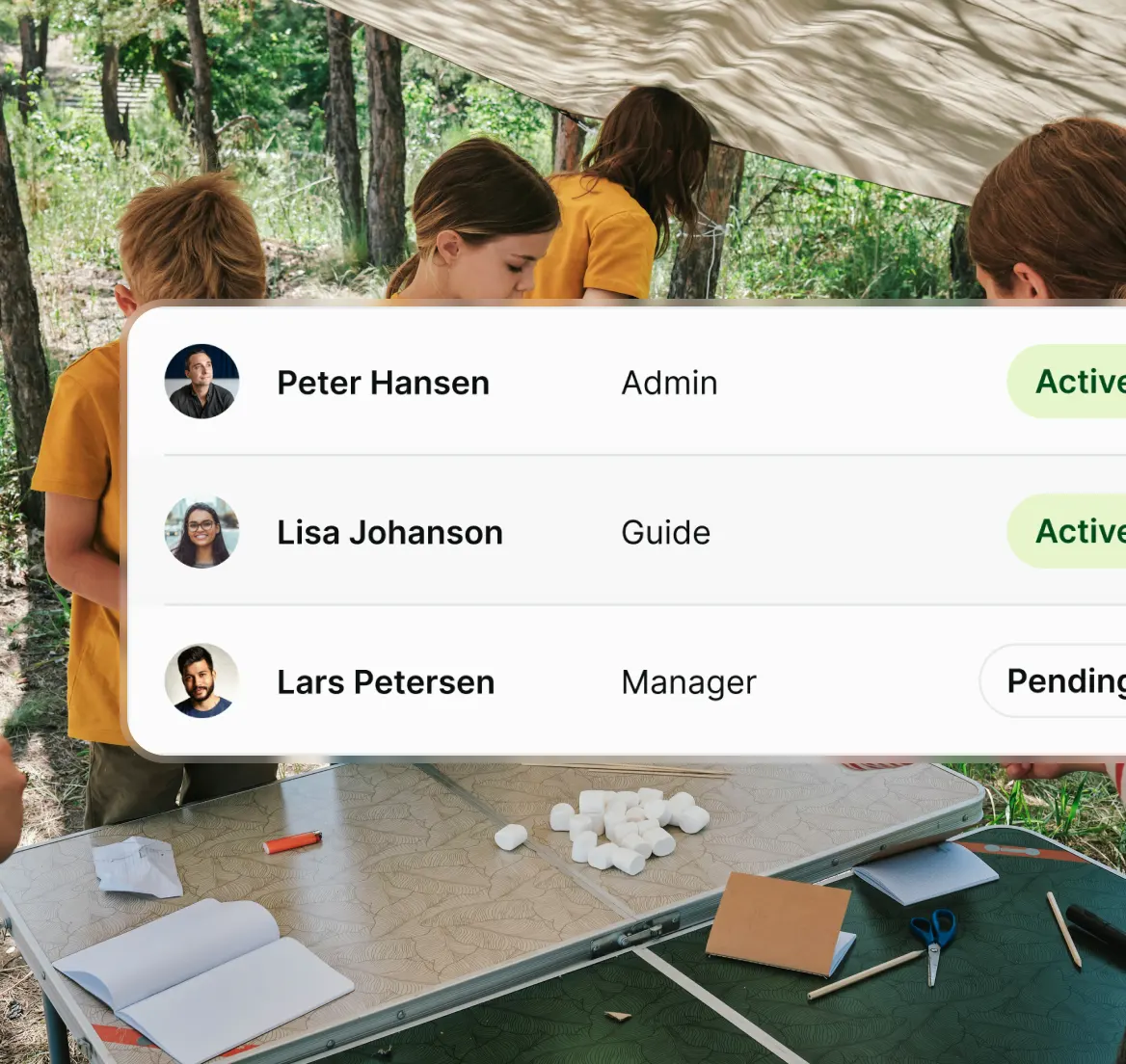
Prevent mistakes with clear team roles
Not everyone needs access to everything. Give guides access to their assigned events. Let managers handle bookings and scheduling. Keep admins in control of the big picture.
QR code check-in
Fast, simple check-in with QR codes
Guests show their code, you scan it, they're checked in within seconds. Offer a smooth, professional start to every experience.
.webp)
Booking deadlines
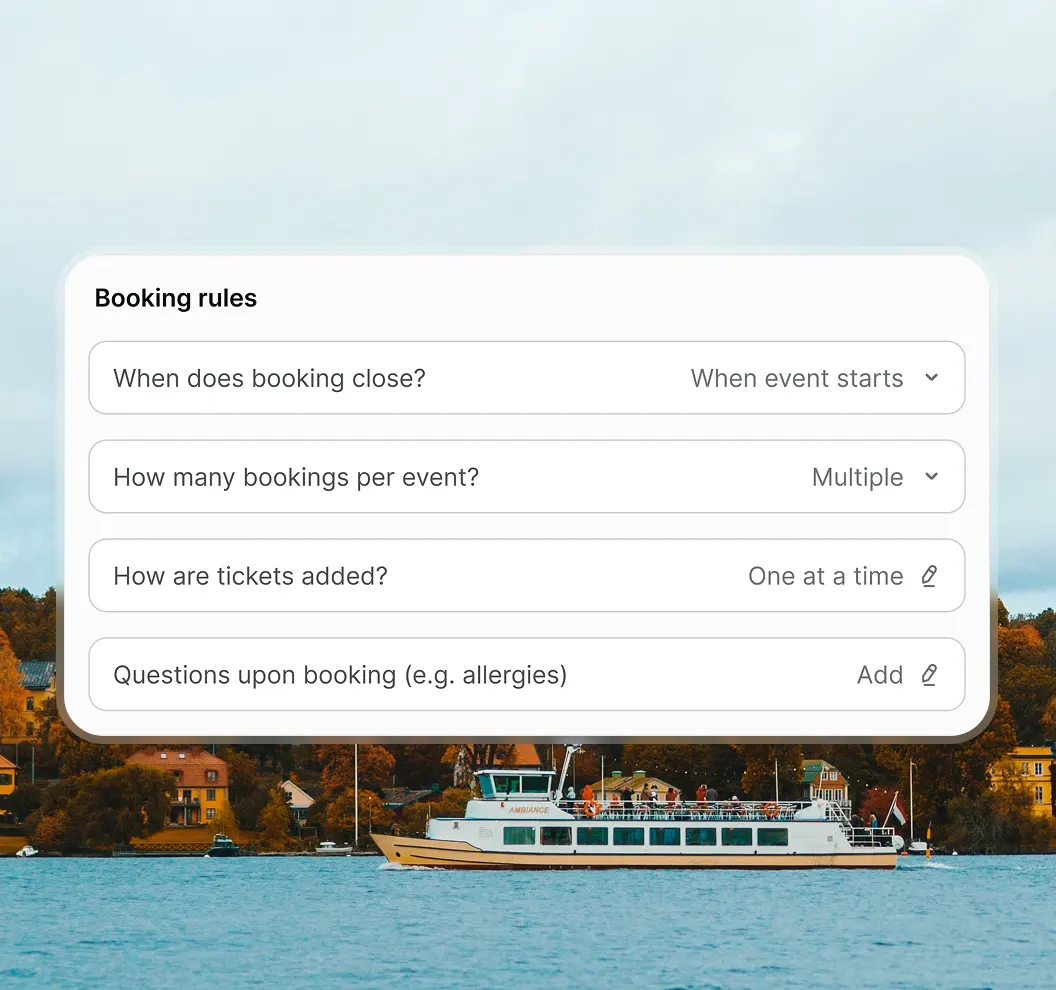
Take control of booking deadlines
Need to know final numbers 24 hours before? Set a booking deadline. No more late sign-ups throwing off your planning. Have built-in, clear cutoffs that let you prepare properly and run smoother events.
How Understory works
Up and running in one day
1
Set up your experiences
Add your experiences, set your prices, customise your booking page. Make it yours – colours, fonts, images that match your brand.
2

Open for bookings
Share your experience on your website, social channels, or anywhere your guests are. Guests can book instantly while you stay in control of your schedule.
3
Turn on marketing
Run automated ads, create discount codes, connect to marketplaces. Built-in tools that bring guests in without the manual work.
4
Get paid and grow
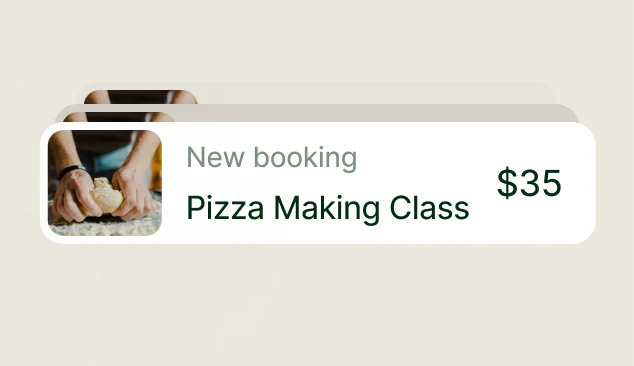
Process payments, track revenue, see what's working. Everything you need to run and grow your business in one place.
Try for free
Try Understory with all features unlocked. No card required.
Cancel anytime
Change your mind if it's not right for you.
Ready to try Understory?
Get your first 50 bookings for free and try Understory risk‑free.
Related Features
Everything you need to manage & grow your business


FAQs
Here to help
What exactly does Understory do?
How much does it cost?
You can get started for free. Our pricing’s built to fit experience businesses of all sizes, with flexible plans that grow with you. No hidden fees, no long-term commitments – just the tools you need to run your business.
Explore our pricing plans.
Which website systems does Understory work with?
Understory works with any website. You can add a booking link or a simple booking calendar to your site — no coding needed.
If you use WordPress, there’s an easy built-in way to connect Understory.
Will this help me get more bookings?
Definitely.
Businesses that use Understory get 20% more bookings on average within the first year thanks to the built-in marketing tools, a smooth booking flow, and automated guest communication – without extra work on your end.
How is Understory different from other booking systems?
Understory is more than just a booking tool – it’s your all-in-one solution to create, manage, and sell experiences.
Unlike other systems, it handles everything from bookings and secure payments to automated guest emails and built-in marketing tools – all in one easy-to-use system designed specifically for experience businesses.
No more switching between tools or manually following up with guests.
Plus, it’s simple for your guests to book and pay in just a few clicks, making their experience seamless from start to finish.
What payment solutions can I offer my guests?
Your guests can pay with standard payment cards, Apple Pay, Google Pay, MobilePay, PayPal and iDeal.
How quickly can I get started with Understory?
Getting started with Understory is easy.
First, you have to create an experience. Second, pick the dates your experience is available. Third, you have to connect to Stripe to accept payments. Finally, share your booking link on your website, social media, or directly with customers.
All of this can be done in less than 1 day, and then you can start taking bookings right away.
Can I use Understory on my phone?
Yes!
Understory works smoothly on your phone, so you can manage bookings, update your calendar, and message guests from anywhere – whether you’re on the go, or right in the middle of an experience.
What if I find out that Understory is not the right fit?
No problem!
You can get started for free, and if Understory isn’t the right fit, you can cancel anytime – no long-term commitments, no cancellation fees.
We’re here to help you find what works best for your business.